Your (exam approved) calculator can do a lot more than you may know. Below I will show you how it can be used to determine the best-fit line from some data.
Of course it is not able to draw the graph but is able to give the equation on the best-fit line.
The following assumes you are using the CASIO FX-96SG PLUS. Other calculators will work in a similar way.

The first thing to do is to put the calculator into STATISTICS MODE.
Press “MODE”. Then select “2:STAT” for statistical mode.
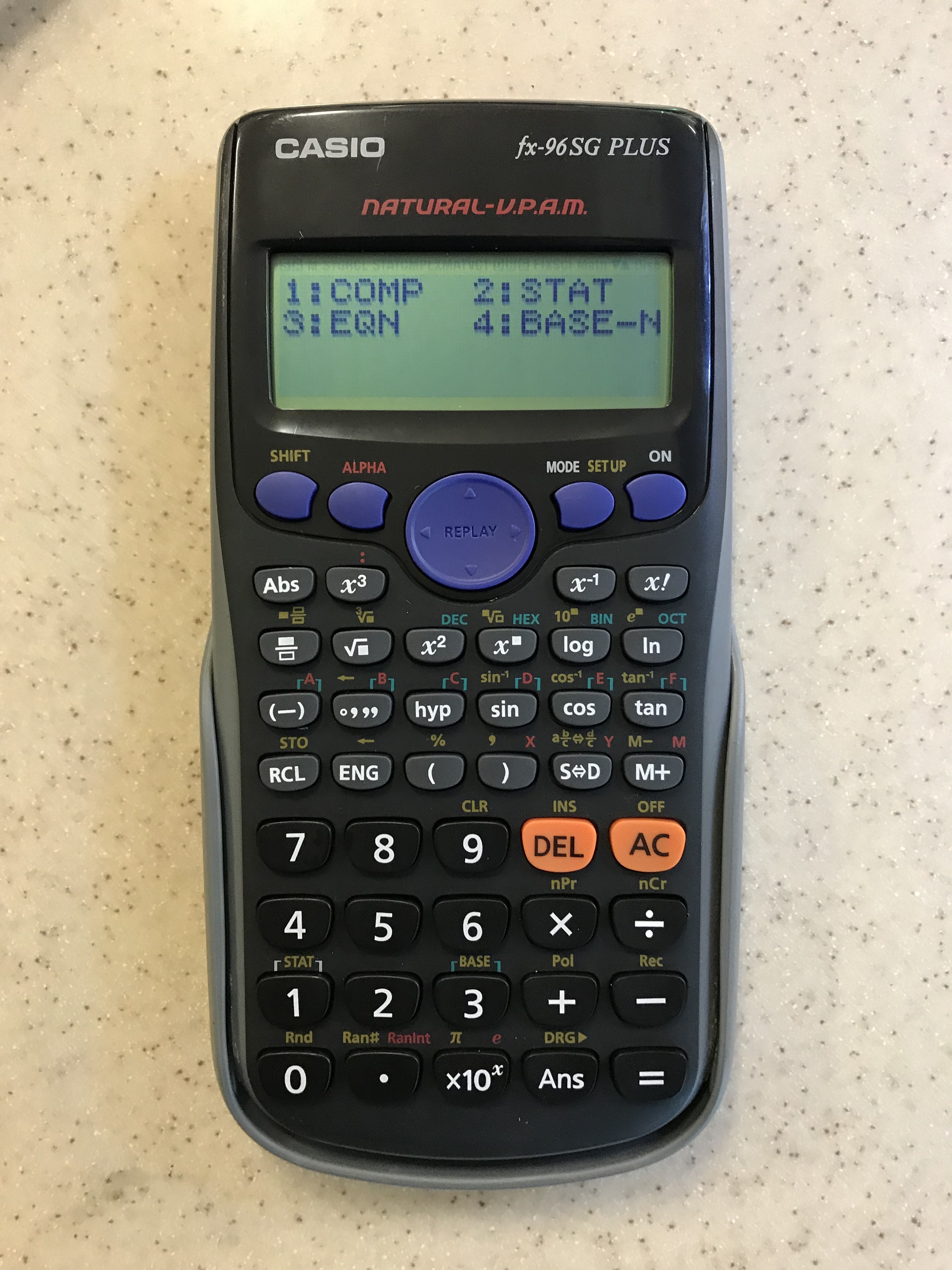
The data we are going go be entering will be for a straight line best-fit line so we choose “2:A+BX“. This is the straight line equation that we probably better know as:
y = m x + c
so here it is y = B x + A
(ie B is the gradient of the line, A is the y-intercept of the line)
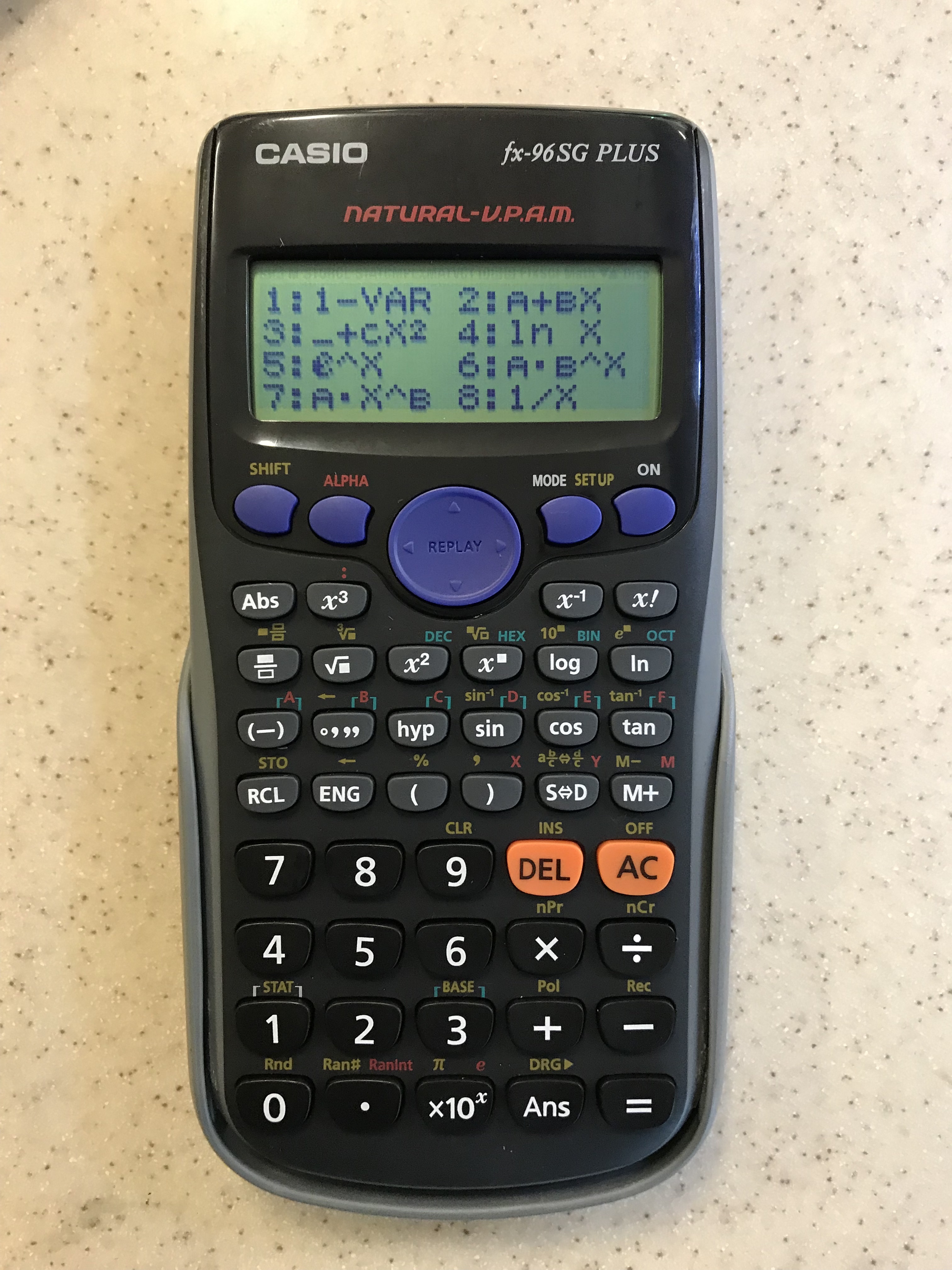
Enter the data here for the x and y points.
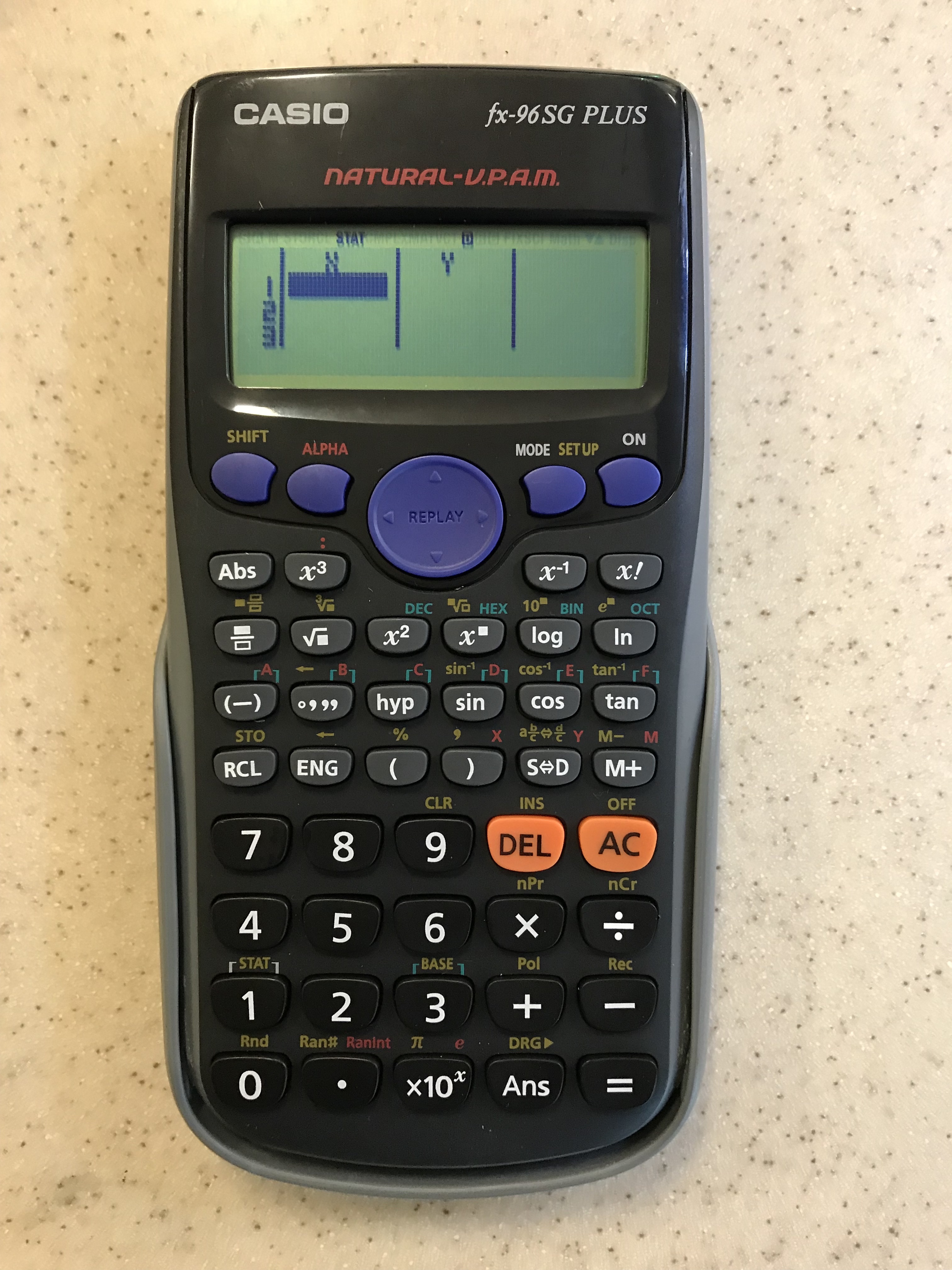
Use the blue arrow pad to move around and enter the data points.
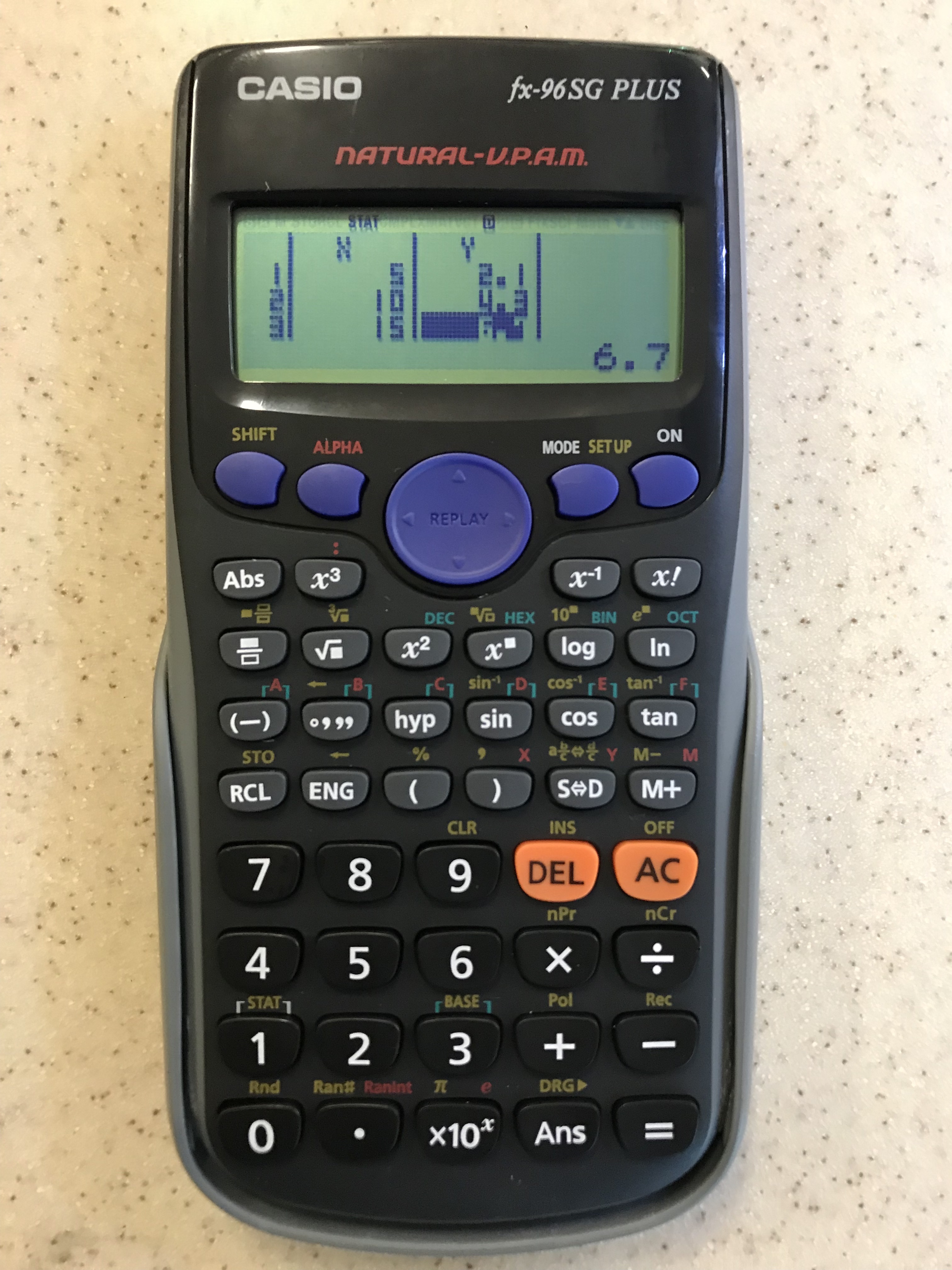
When you have finished entering the data press the “AC” button. The data you have entered will remain in the calculator memory until you leave statistical mode.

To find out any statistics on the data we have entered we need to go into STAT mode by pressing “SHIFT” followed by “1“.
We want to find the equation of the best-fit line to the data. The statistical term for this is linear regression, so choose “5:Reg“.
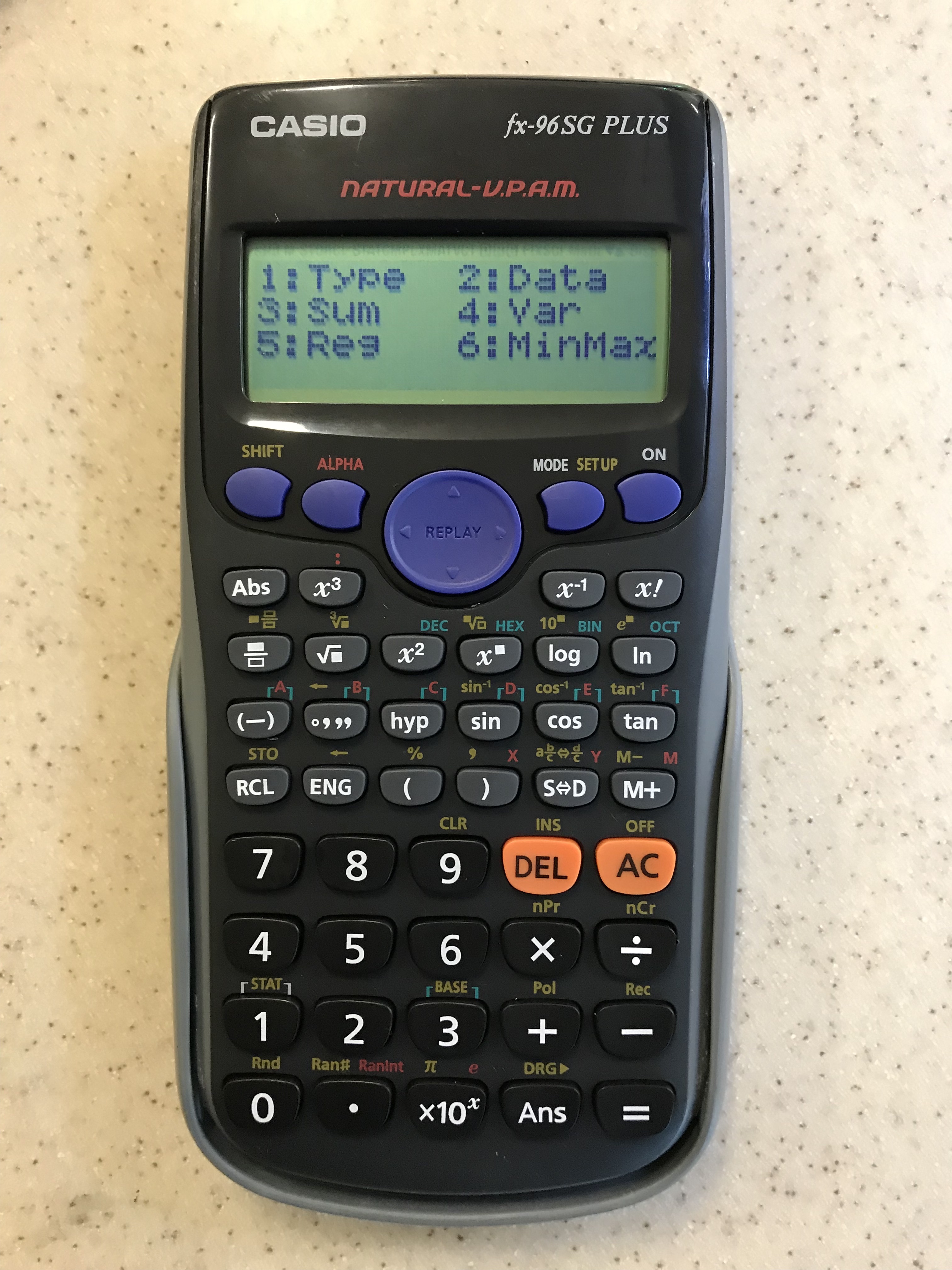
To find the value of B (recall – the gradient of the line) we would press “2”
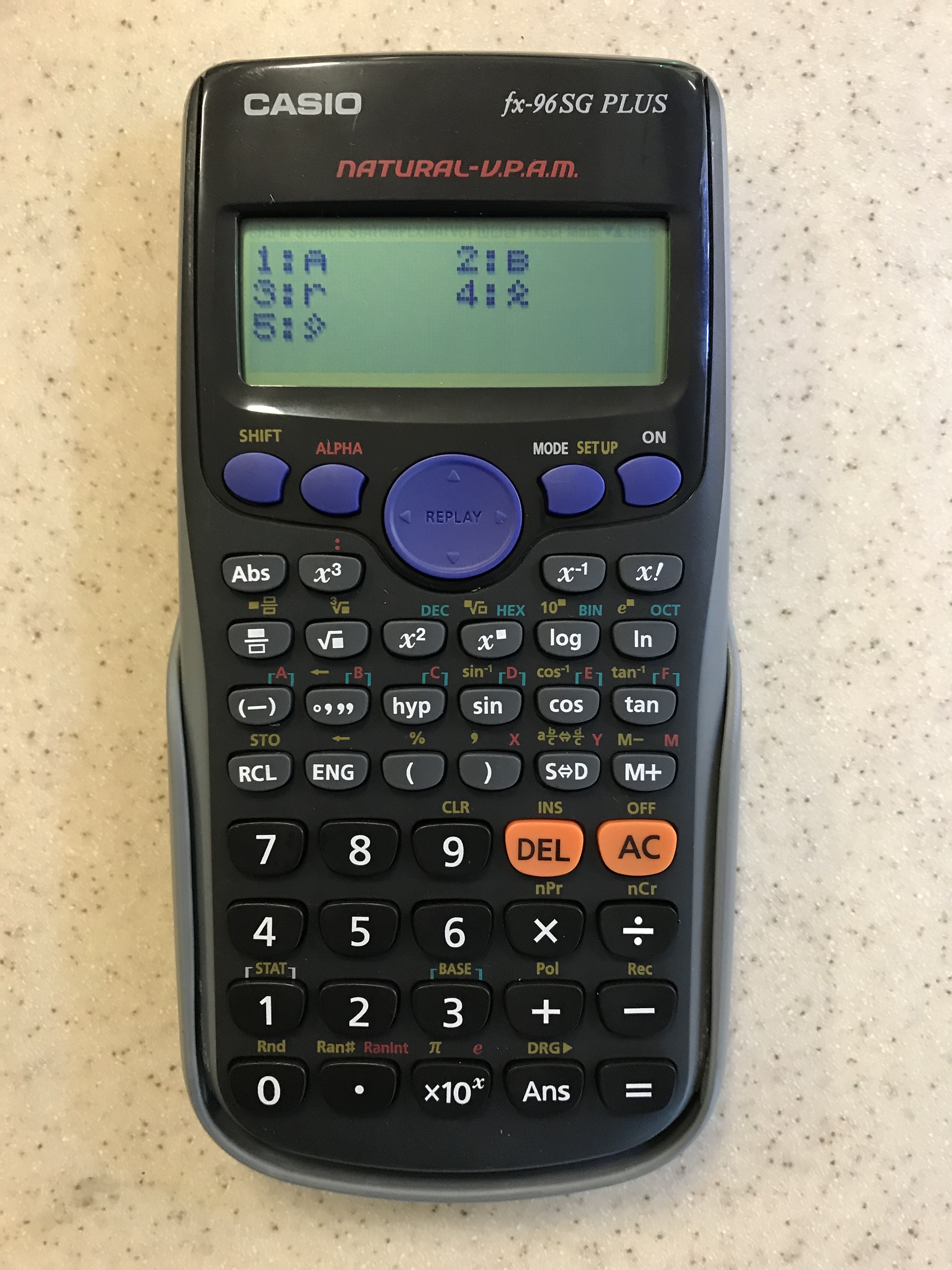
followed by the equal “=” button
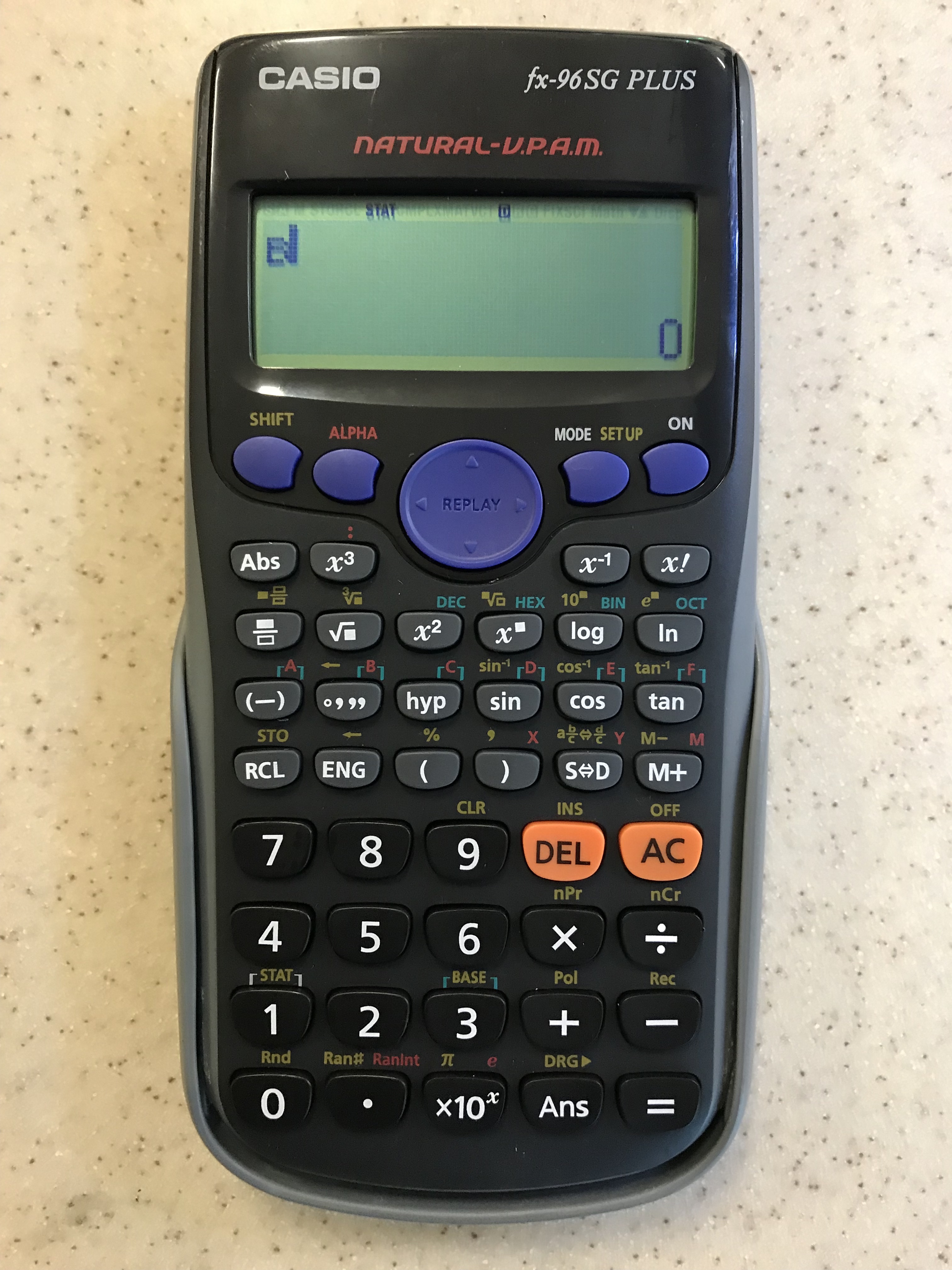
thus gradient for this set of data is 0.426.
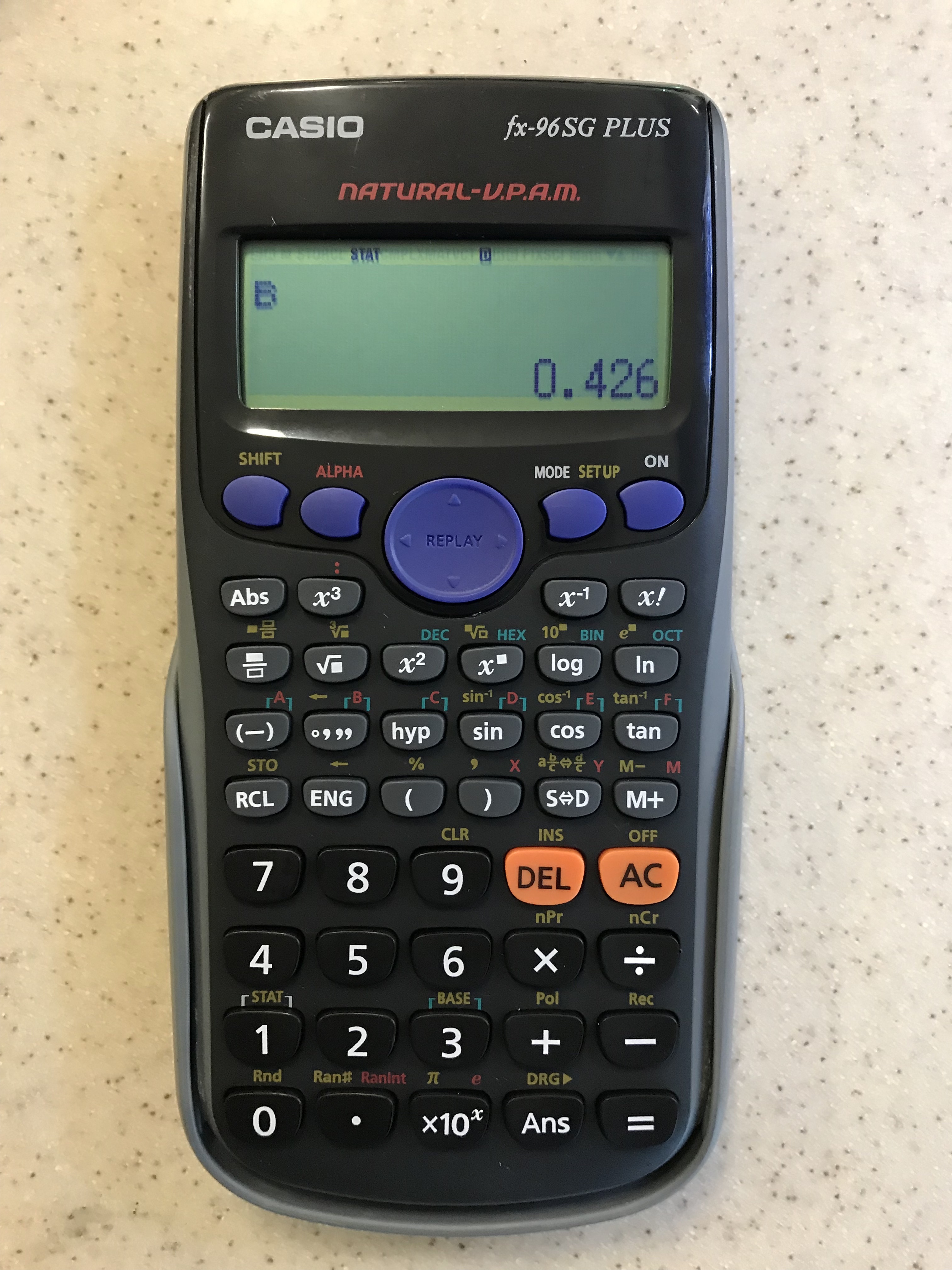
Similarly pressing “1” for A, followed by “=” will give the value of the y-intercept.
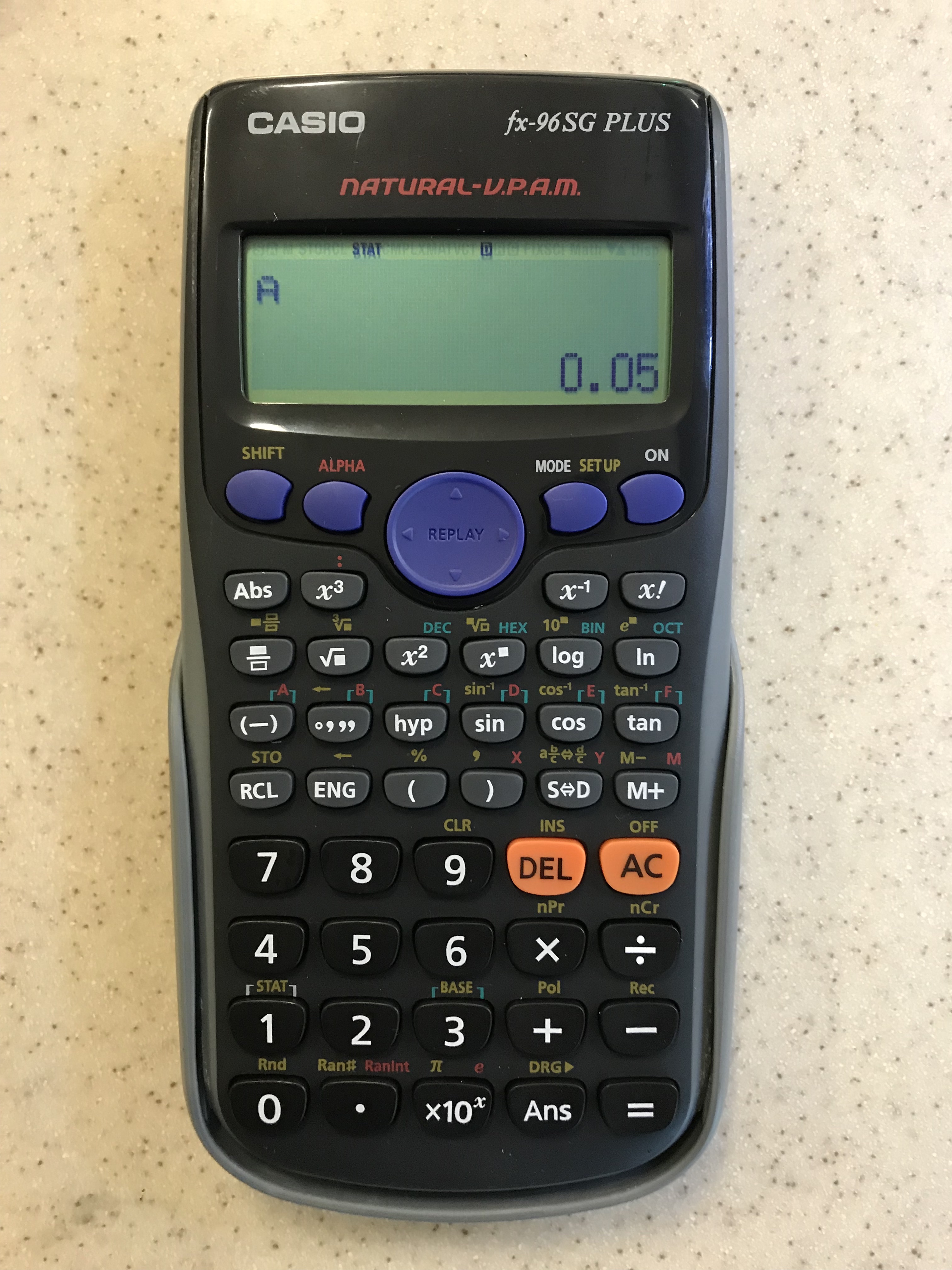
Thus, for the data entered the best-fit line would have an equation of:
y =0.426 x + 0.05
Don’t forget to put the calculator back into Math mode